
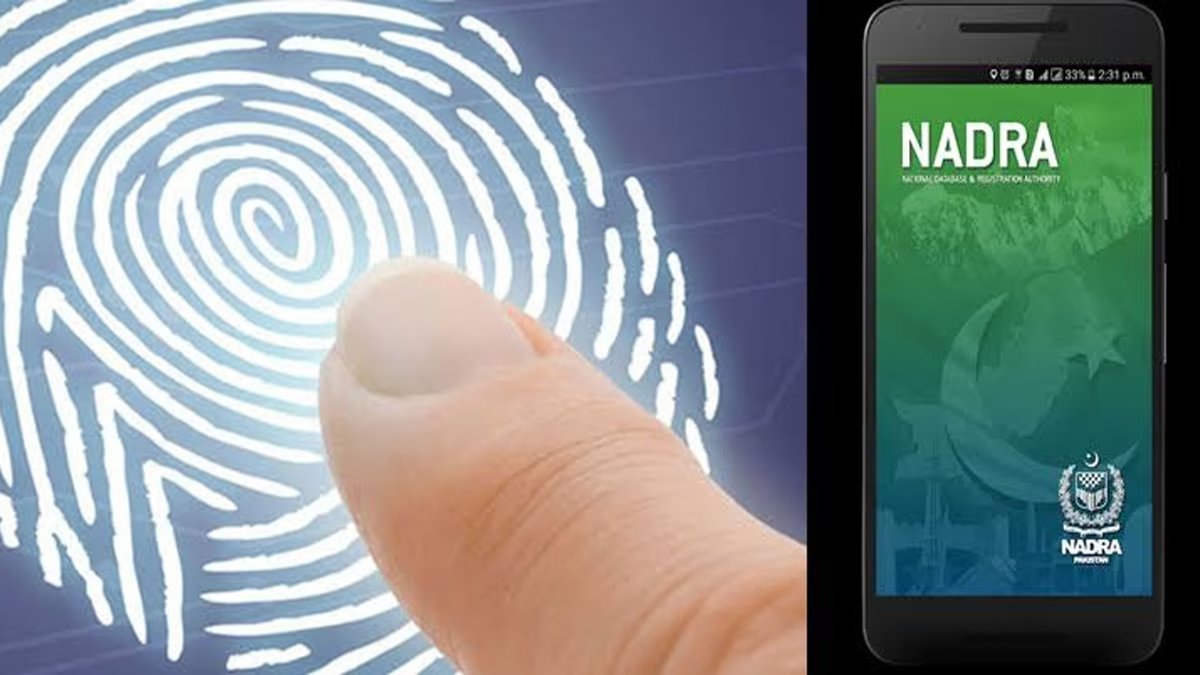
The National Database and Registration Authority (NADRA) has introduced simple ways to apply online for a replacement CNIC using the PakID app.
A National Identity Card serves as an essential means of identification for Pakistani citizens both within the country and abroad. In Pakistan, the National Database and Registration Authority (NADRA) is the sole authorized institution responsible for issuing national identity cards and other identity documents to Pakistanis living in the country and overseas.
Except for senior citizens, CNICs issued to citizens have a specific validity period. Once the card expires, citizens are required to obtain a new one. A replacement CNIC is also required if the original card is lost or damaged.
However, citizens who are unable to visit a NADRA office due to work or business commitments do not need to worry. A replacement CNIC can now be applied for from the comfort of home.
Through NADRA’s PakID mobile app, citizens can apply for a replacement of a lost or damaged CNIC without visiting a NADRA office.
Citizens can get their replacement CNIC from home by following the simple steps below.
Open the PakID mobile app and select “Identity Documents” from the home screen.
Select the “CNIC” option.
On the next screen, select the applicant and then choose “Reprint.”
Complete the application process step by step by following the instructions provided in the app.



Comments
Comments (0)
Security Check
Please complete the captcha to verify you are human.